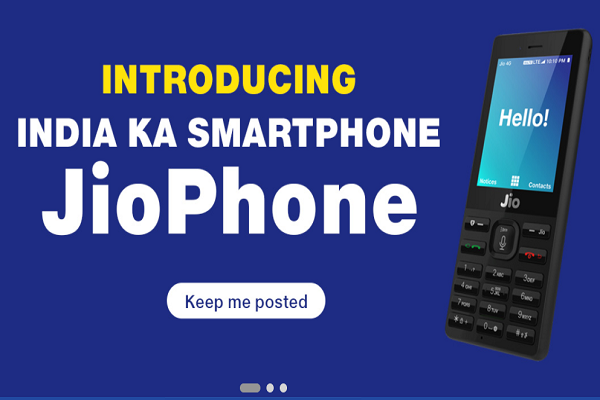
 After a long wait, it’s going to start the pre-booking of the most anticipated phone. The booking starts on Thursday 24 August at 5:30 PM on Jio’s website.
Just log on to Jio’s website or the MyJio App to follow the online process for a brand new Jio phone for yourself. Or you can book the Jio Phone through the offline stores as well.
Here is the process for pre-booking the Jio phone through both the channels.
Jio Phone Pre-Booking: Online Process
On the website:
- Log on to the official website: jio.com
- Enter your Mobile Number and Pin Code (No Aadhaar details required for the pre-booking process tomorrow)
- Proceed to pay the amount and book the phone.
- You will have successfully booked your Jio Phone. You’ll be notified about the same through an SMS.
On the MyJio App:
- Open the MyJio App on your phone.
- Click on the Jio Phone Pre-Booking option.
- Enter your Mobile Number and Pin Code (No Aadhaar details required for the pre-booking process tomorrow).
- Proceed to pay the amount and book the phone.
- You will have successfully booked your Jio Phone.
Jio Phone Pre-Booking: Offline Process
- Go to the nearest Jio Store or a retail store(where Jio Phone booking is available).
- Give the required details to the retailer and pay Rs. 500/-
- You’ll receive an SMS regarding successful booking of your Jio Phone.
- The retailer will give you a receipt for the same.
For those of you who are interested, you can follow the steps given above and get your own Jio Phone.